



Amatrol’s Basic Pneumatics Learning System – Double-Sided A-Frame Bench (850-PD1) features the Basic Pneumatics Learning System (85-BP) panels mounted on a sturdy, durable A-frame bench with plenty of room for expansion.
National Center for Construction Education & Research (NCCER) provides industry-recognized credentials for students and craft professionals.
Supported Certifications
We offer a supplemental curriculum that is 60-70% aligned with the certifications below.
- NCCER Commercial Electrician
- NCCER Core
- NCCER Electrical Level I
- NCCER Electrical Level II
- NCCER Electronic System Technician Level I
- NCCER Electronic System Technician Level II
Training Solutions
Using AWS Accredited Test Facilities to test and qualify welders allows companies to save money, improve productivity, and reduce liability by entrusting their welder certification to the experts.
Supported Automotive Certifications
- AWS Certified Welder
- AWS D1.1 Structural Steel
- AWS D9.1 Sheet Metal Welding
- AWS SENSE Level 1: Entry Welder
Training Solutions
A CNA, or certified nursing assistant, is an entry-level member of a patient’s healthcare team, performing important patient-centered tasks under the supervision of licensed nursing staff. CNAs work very closely with RNs, physicians, and other healthcare providers.
CNAs ensure their patients' well-being by performing various tasks that help with daily living activities. Because CNAs typically spend more time with patients than nurses or doctors, they understand their behaviors and health statuses. They get to know each patient and are often the first to notice physical or emotional changes. CNAs play important roles in the early detection of symptoms.
Supported Certifications
- Certified Nurse Aide (CNA)
Training Solutions

The future of aviation is here. The FAA collaborates with industry and communities to advance drone operations and integrate them into the national airspace.
Supported Certifications
- FAA Part 107 Remote Drone Pilot
Training Solutions
National Certifications for Robotics and Advanced Automation Manufacturing
With FANUC's challenging and thorough national certification assessments, students and workers can document their knowledge and fill high-demand, high-paying, and exciting career opportunities in Robotics and Advanced Manufacturing. An extensive network of high schools, colleges, and training centers offers these national certifications.
Supported Certifications
FANUC Robot Operator 1
Indicates an operator level of skills and knowledge. Students with this level have a basic understanding of robot operations and programming, material handling and its components, and an introduction to Roboguide simulation software. These certification programs are focused on the core Robot Operator skills needed by entry-level or incumbent workers.
Written assessment for entry-level position as robotics associate in manufacturing. The assessment exams allow the candidate to demonstrate their knowledge in: Robot operations, frame setup, writing, modifying and executing basic programs, program offset, backup, restorations, creating and modifying simulations.
Training Solutions
Supported Certifications
EPA Section 608 Certification
For working on stationary HVACR equipment
Section 608 of the Federal Clean Air Act requires that all individuals who maintain, service, repair, or dispose of appliances that contain ozone-depleting refrigerants be certified in proper refrigerant handling techniques.
Training Solutions
What is PolyJet Technology?
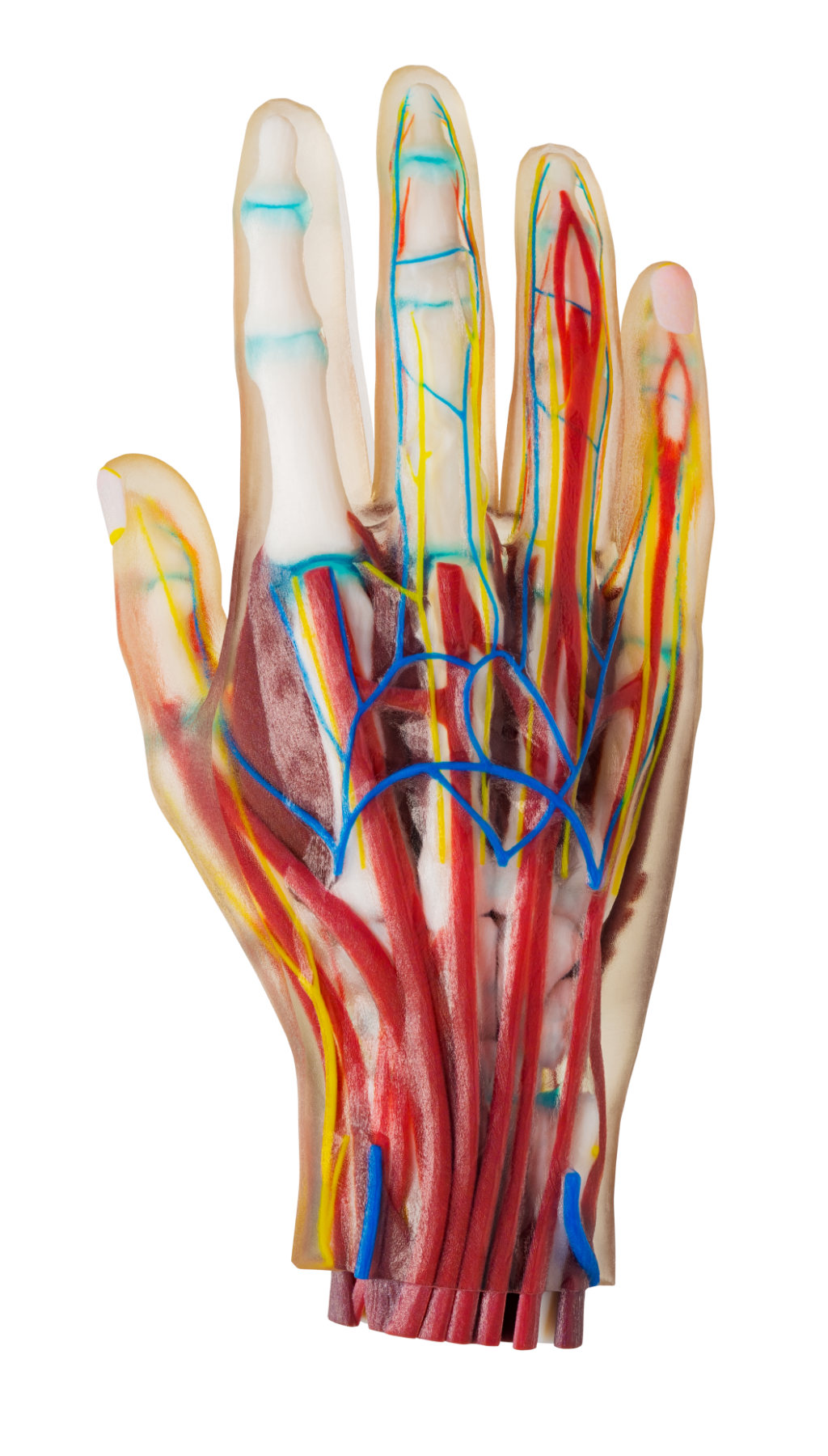
PolyJet is a powerful 3D printing technology that produces smooth, accurate parts, prototypes and tooling. With microscopic layer resolution and accuracy down to 0.014 mm, it can produce thin walls and complex geometries using the widest range of materials available with any technology.
Benefits of PolyJet:
- Create smooth, detailed prototypes that convey final-product aesthetics.
- Produce accurate molds, jigs, fixtures and other manufacturing tools.
- Achieve complex shapes, intricate details and delicate features.
- Incorporate the widest variety of colors and materials into a single model for unbeatable efficiency.
Make it more realistic and accurate with PolyJet
Stratasys offers PolyJet technology 3D prints in the widest variety of materials, so you can create ergonomic tooling, bio-compatible surgical guides or realistic prototypes that closely resemble finished products.
Models are precisely printed in layers as fine as 16 microns for smooth surfaces and complex geometries. Material properties range from rubber-like to rigid, transparent to opaque, neutral to vibrantly colored, and standard to bio-compatible plastics.
Pages
-
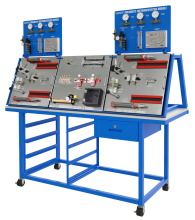 Item Number:850-PD1
 -
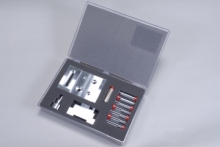 Item Number:803-101DAC Worldwide’s Basic Precision Measurement Kit 1 (803-101) covers valuable industrial quality assurance skills using precision rules, dial calipers, micrometers, and other common precision measurement tools and instruments. Learners will use locally-available precision measurement tools to practice fundamental measurement techniques and tools used in industry.
 -
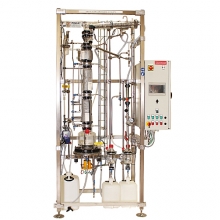 Item Number:DVI/3000Pignat's standard-size, floor-standing Batch Continuous Distillation trainer (DVI/3000) allows students to operate both a continuous and batch distillation process.
 -
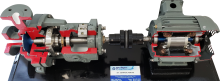 This equipment is either cut-a-way or has a horizontally split case so you can see the internal components. They may be taken apart and reassembled for training purposes. Models shown are representative of typical production items. Actual equipment may vary according to manufacturer and design or customer specifications. Please call for us for any custom requirements.
 -
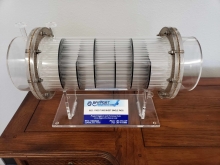 Bayport Technical’s models are detailed, to-scale models that depict various industrial machines. The industrial models, which are loosely based on common equipment by popular industry leaders, include all primary features and components.
 -
 Item Number:140-GLPT | 142-3PS | 142-CT2 | 142-FRTOil & Gas training aids include a Gas Lift Process trainer & working demonstrators covering 3-Phase Separators, Cooling Towers, and Floating Roof Tanks.
 -
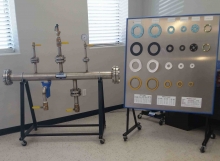 Bayport Technical’s trainers are hands-on training systems designed to give students real-world experience working on equipment they will encounter first-hand on the job. Each trainer has the look and feel of real industrial equipment, build with full-sized, industrial-quality components that will stand up to repeated use.
 -
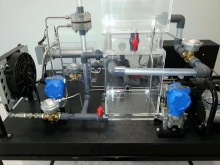 Bayport Technical's Working Demonstrators offer realistic, first-hand visualization into the inner workings of industrial components and structures. From cooling towers and distillation towers to storage wells and charcoal filters, Bayport's Working Dissectibles offer incredible educational and training aids.
 -
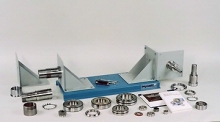 Item Number:204-000DAC Worldwide’s Bearing Maintenance Training System (204-000) is a heavy-duty learning package that allows for in-depth training in the identification, installation, and removal of a variety of industrial-quality rolling element bearings.
 -
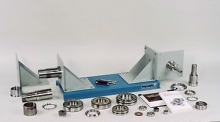 Item Number:204-PACDAC Worldwide’s Bearing Maintenance Training System Plus (204E-PAC) is a heavy-duty learning package that allows for in-depth training in the identification, installation, and removal of a variety of industrial-quality rolling element bearings.