DAC's Lever-Operated Dump Valve Cutaway (295-705) is a valve sample for training in the operation, construction, and maintenance of an industrial lever-operated oil dump valve.
The Standard in Cost-Effective Simulation for Training Heavy Equipment Operators
Simlog Personal Simulators have been delivering cost-e ective training simulation to education and industry since 1999. Today, our Personal Simulators are used in over 500 vocational programs. Simlog Personal Simulators have helped place hundreds of thousands of students around the world on a pathway to becoming superior heavy equipment operators.
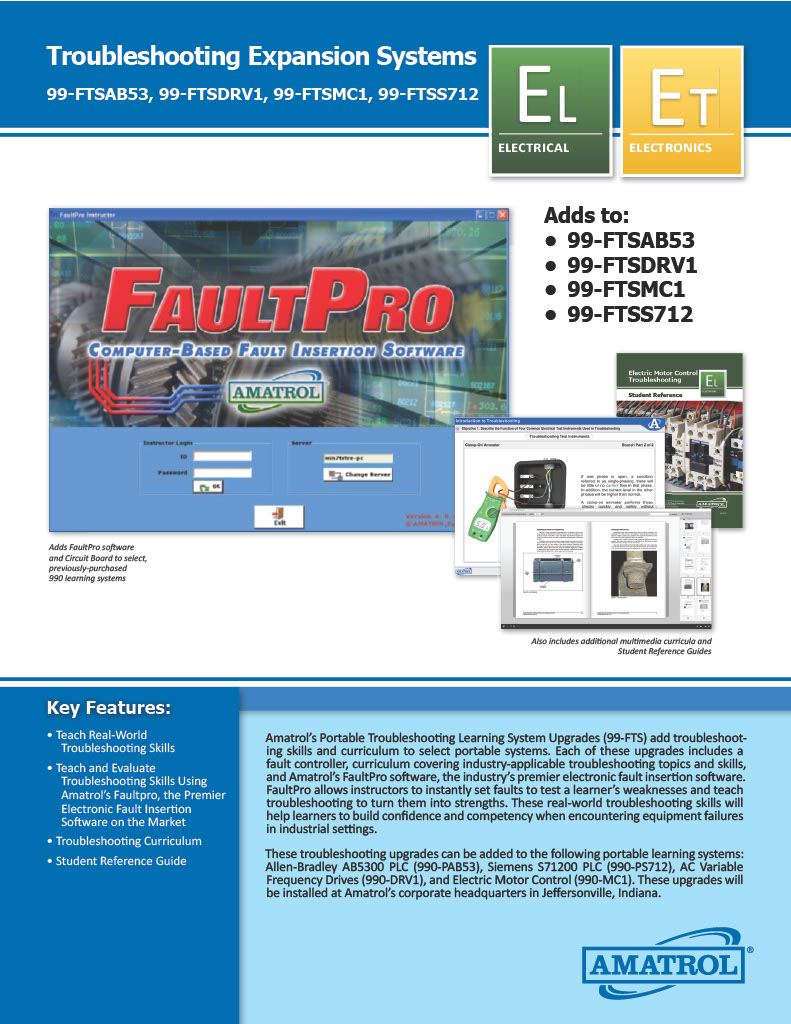
Amatrol's Portable Troubleshooting Learning System Upgrades (99-FTS) add troubleshooting skills and curriculum to select portable systems. Each of these upgrades includes a fault controller, curriculum covering industry-applicable troubleshooting topics and skills, and Amatrol's FaultPro software, the industry's premier electronic fault insertion software. FaultPro allows instructors to instantly set faults to test a learner's weaknesses and teach troubleshooting to turn them into strengths. These real-world troubleshooting skills will help learners to build confidence and competency when encountering equipment failures in industrial settings.
Adds to:
- 99-FTSAB53
- 99-FTSDRV1
- 99-FTMC1
- 99-FTSS712
Portable V-Belt & Synchronous Belt Training System
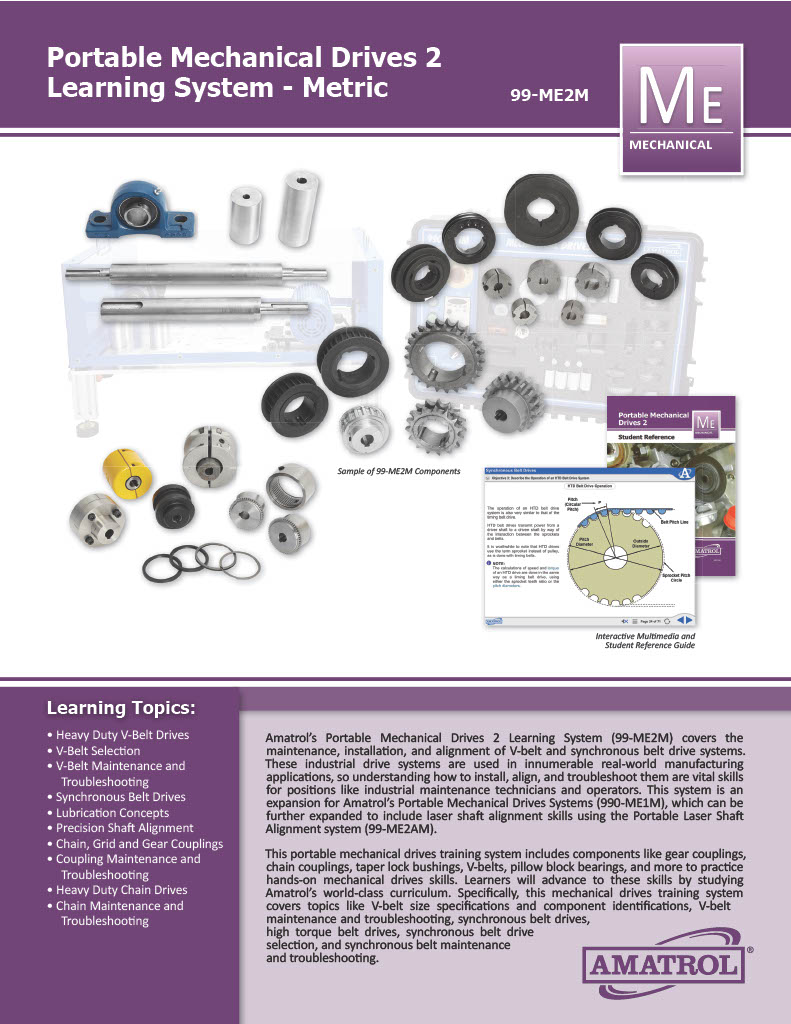
Amatrol’s Portable Mechanical Drives 2 Learning System (99-ME2M) covers the maintenance, installation, and alignment of V-belt and synchronous belt drive systems. These industrial drive systems are used in innumerable real-world manufacturing applications, so understanding how to install, align, and troubleshoot them are vital skills for positions like industrial maintenance technicians and operators. This system is an expansion for Amatrol’s Portable Mechanical Drives Systems (990-ME1M), which can be further expanded to include laser shaft alignment skills using the Portable Laser Shaft Alignment system (99-ME2AM).
This portable mechanical drives training system includes components like gear couplings, chain couplings, taper lock bushings, V-belts, pillow block bearings, and more to practice hands-on mechanical drives skills. Learners will advance to these skills by studying Amatrol’s world-class curriculum. Specifically, this mechanical drives training system covers topics like V-belt size specifications and component identifications, V-belt maintenance and troubleshooting, synchronous belt drives, high torque belt drives, synchronous belt drive selection, and synchronous belt maintenance and troubleshooting.
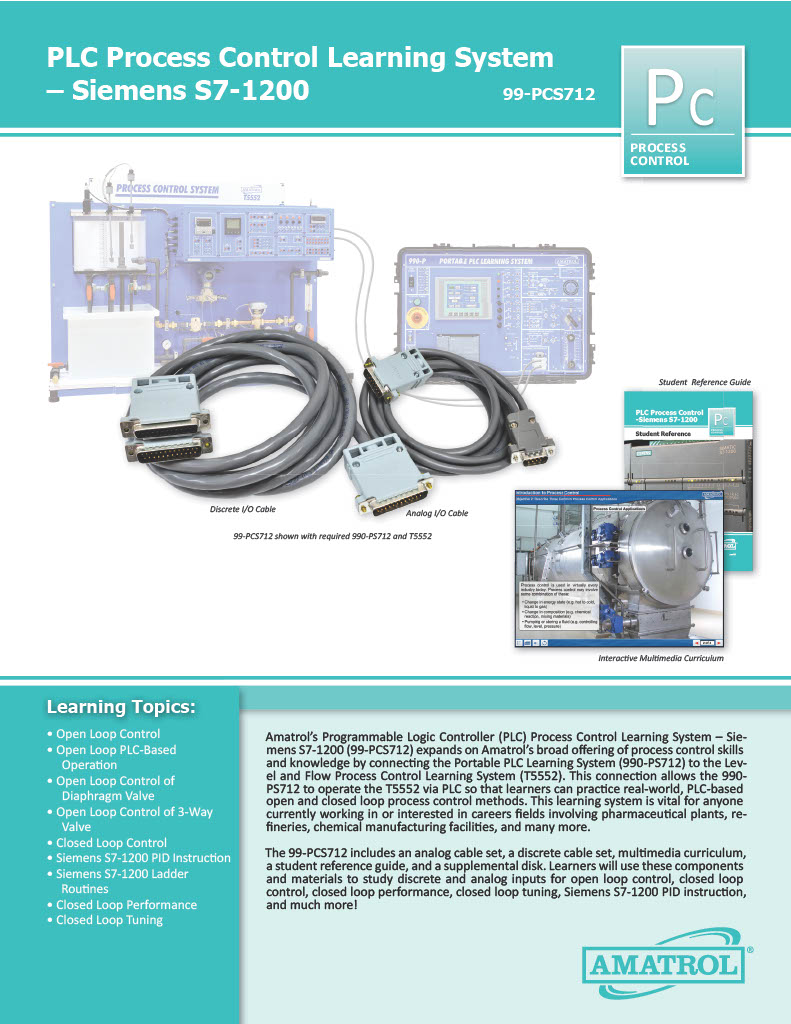
Amatrol's Programmable Logic Controller (PLC) Process Control Learning System - Siemens S7-1200 (99-PCS712) expands on Amatrol's broad offering of process control skills and knowledge by connecting the Portable PLC Learning System (990-PS712) to the Level and Flow Process Control Learning System (T5552). This connection allows the 990-PS712 to operate the T5552 via PLC so that learners can practice real-world, PLC-based open and closed loop process control methods. This learning system is vital for anyone currently working in or interested in career fields involving pharmaceutical plants, refineries, chemical manufacturing facilities, and many more.
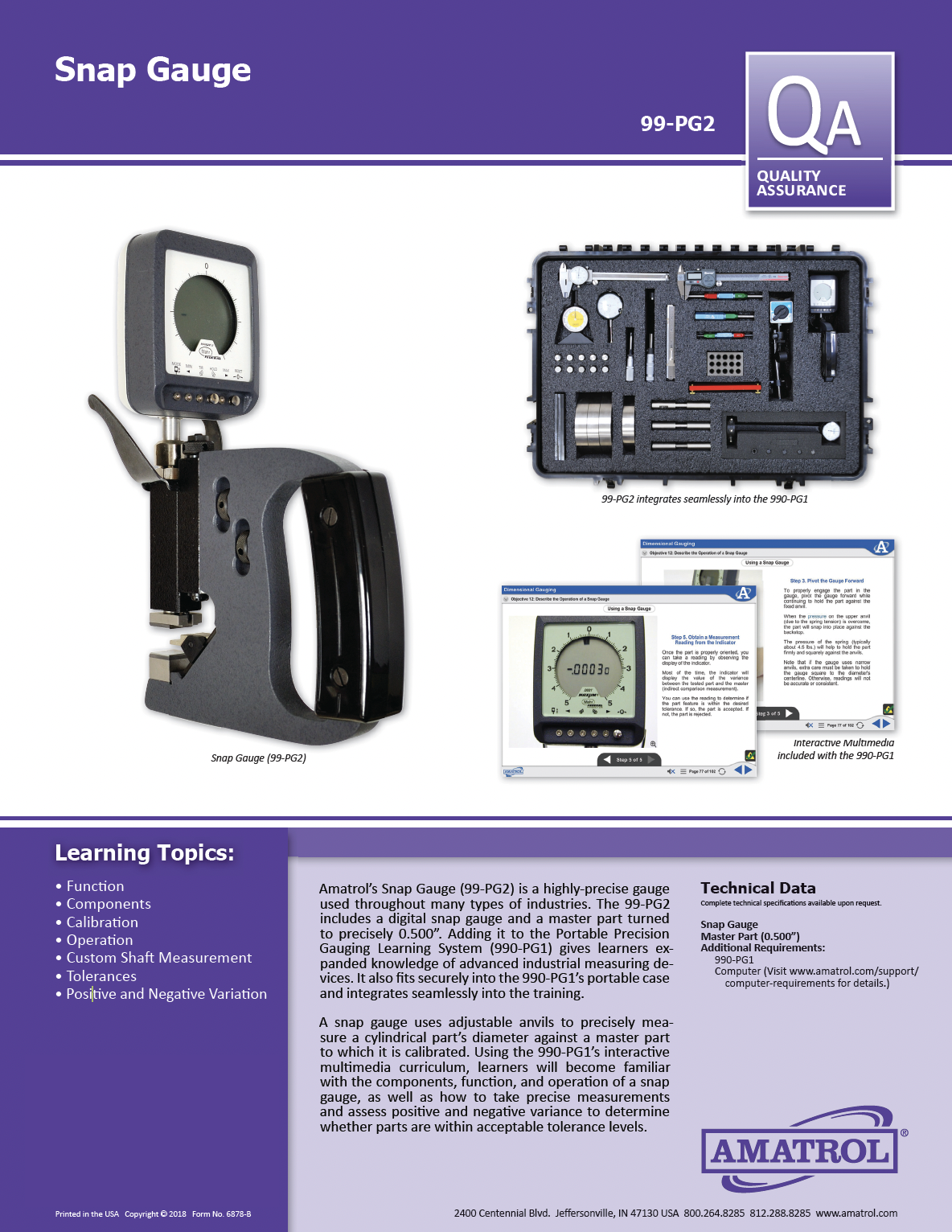
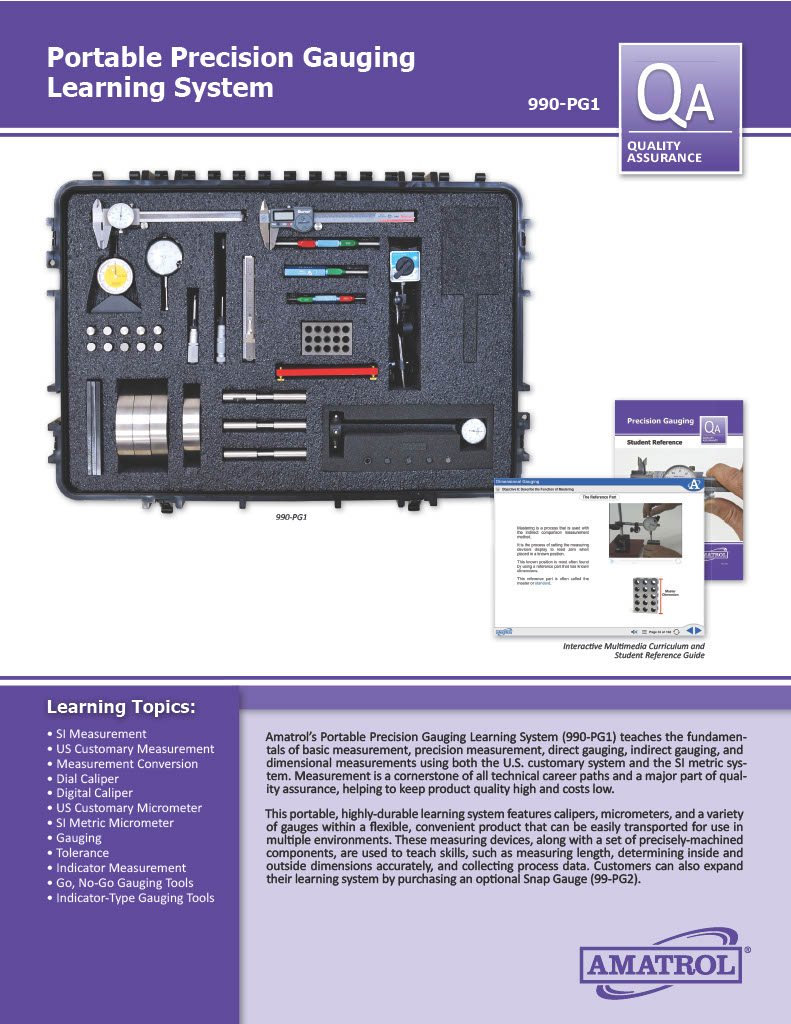
Customers who want experience with more advanced gauges can expand Amatrol’s Portable Precision Gauging Learning System by adding an optional Snap Gauge (99-PG2). A snap gauge uses adjustable anvils to precisely measure a cylindrical part’s diameter against a master part to which it is calibrated. The learning system’s interactive curriculum includes a section on how to use a snap gauge. The 99-PG2 Snap Gauge fits securely into the 990-PG1’s portable case and integrates seamlessly into the training.
Amatrol’s Portable Precision Gauging Learning System (990-PG1) covers the fundamentals of basic measurement, precision measurement, direct gauging, indirect gauging, and dimensional measurements using both the U.S. customary system and the SI metric system all within a mobile, highly durable product. Measurement is a cornerstone of all technical career paths and a major part of quality assurance, which helps to keep product quality high and costs low.
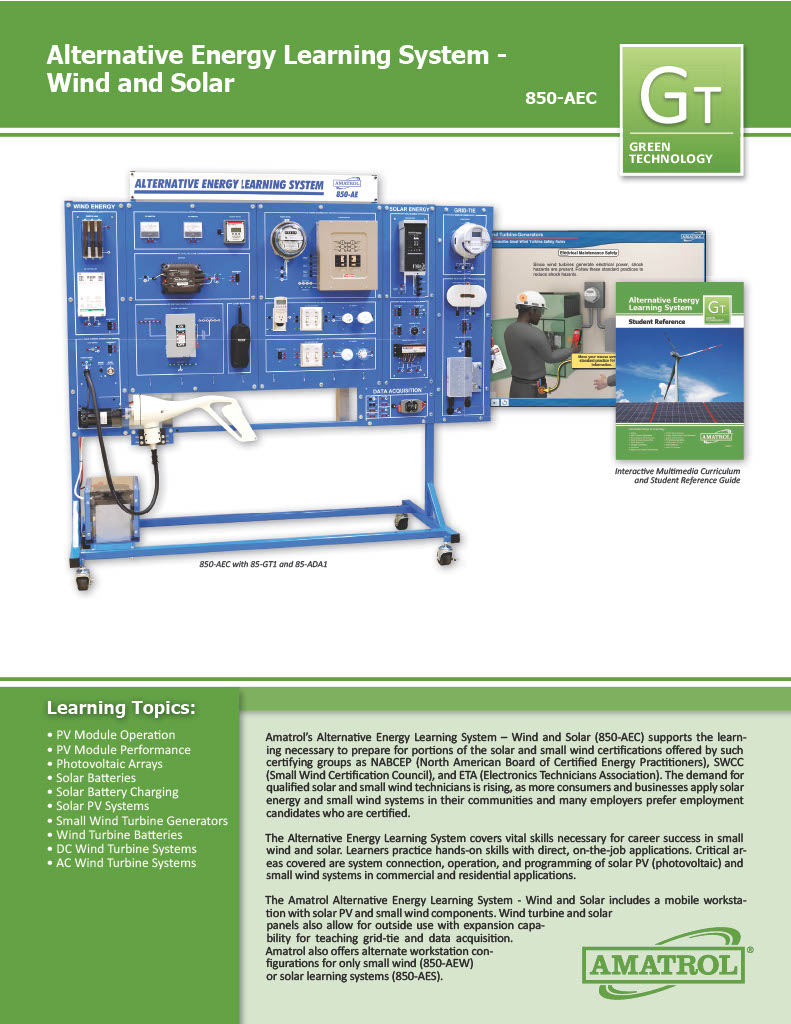
Amatrol's Alternative Energy Learning System - Wind and Solar (850-AEC) supports the learning necessary to prepare for portions of the solar and small wind certifications offered by such certifying groups as NABCEP (North American Board of Certified Energy Practitioners), SWCC (Small Wind Certification Council), and ETA (Electronics Technicians Association). The demand for qualified solar and small wind technicians is rising, as more consumers and businesses apply solar energy and small wind systems in these communities and many employers prefer employment candidates who are certified.
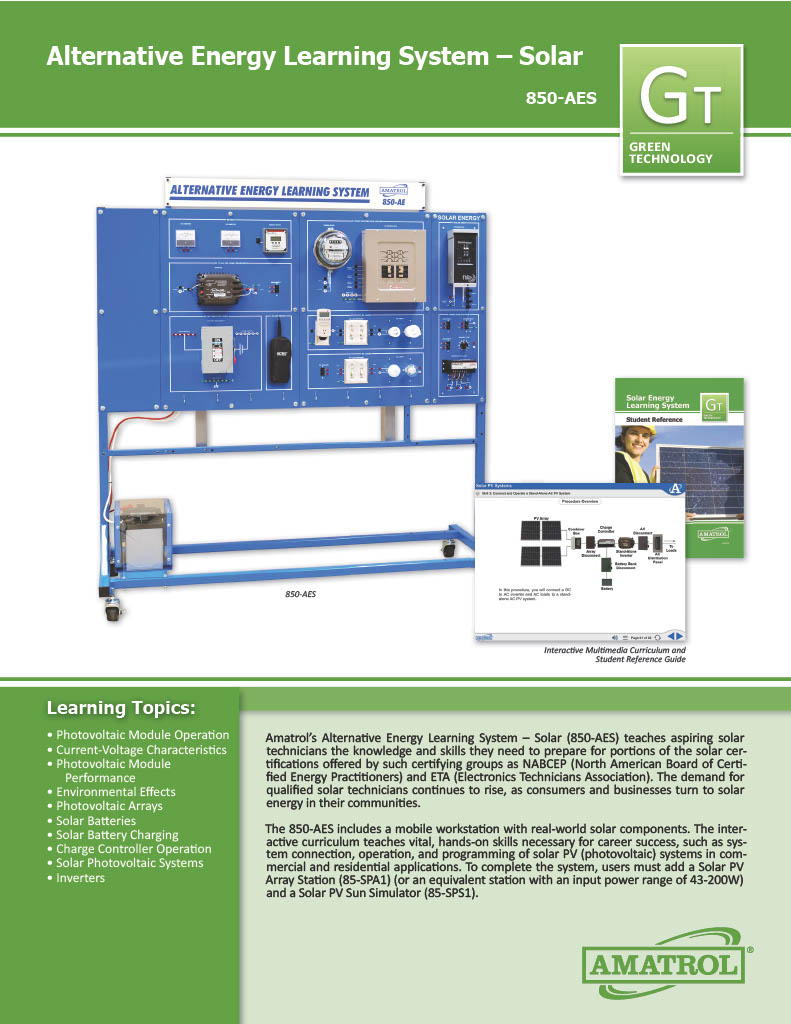
Amatrol’s Alternative Energy Learning System –Solar (850-AES) teaches aspiring solar technicians the knowledge and skills they need to prepare for portions of the solar certifications offered by such certifying groups as NABCEP (North American Board of Certified Energy Practitioners) and ETA (Electronics Technicians Association). The demand for qualified solar technicians continues to rise, as consumers and businesses turn to solar energy in their communities.
The 850-AES includes a mobile workstation with real-world solar components. The interactive curriculum teaches vital, hands-on skills necessary for career success, such as system connection, operation, and programming of solar PV (photovoltaic) systems in commercial and residential application. To complete the system, users must add a Solar PV Array Station (85-SPA1) (or an equivalent station with an input power range of 43-200W) and a Solar PV Sun Simulator (85-SPS1).
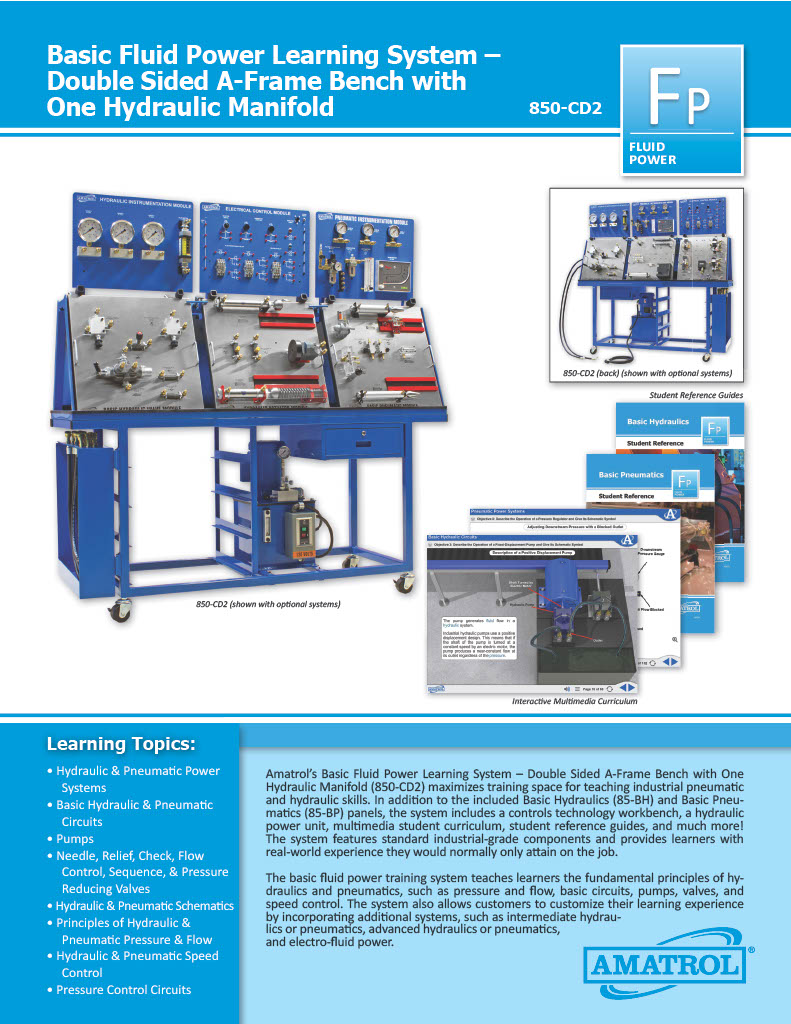
Amatrol’s Basic Fluid Power Learning System – Double Sided A-Frame Bench with One Hydraulic Manifold (850-CD2) maximizes training space for teaching industrial pneumatic and hydraulic skills. In addition to the included Basic Hydraulics (85-BH) and Basic Pneumatics (85-BP) panels, the system includes a controls technology workbench, a hydraulic power unit, multimedia student curriculum, student reference guides, and much more! The system features standard industrial-grade components and provides learners with real-world experience they would normally only attain on the job.
The basic fluid power training system teaches learners the fundamental principles of hydraulics and pneumatics, such as pressure and flow, basic circuits, pumps, valves, and speed control. The system also allows customers to customize their learning experience by incorporating additional systems, such as intermediate hydraulics or pneumatics, advanced hydraulics or pneumatics, and electro-fluid power.
Pages
-
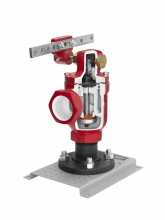 Item Number:295-705
 -
 Item Number:LMH-300Experience the future of CNC machining with the LMH-300 5X—a precision 5-axis milling machine designed for advanced part production, educational training, and robotic automation. Perfect for schools and industry.
 -
 Item Number:LMT-300Prepare students for the future of advanced manufacturing with the LMT-300 “Mystique” 5-Axis Mill-Turn. Compact, powerful, and classroom-ready, this machine brings real-world CNC training to your lab.
 -
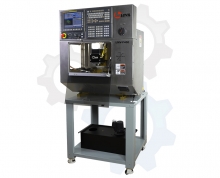 Item Number:LMV-400 CNCCompact, powerful, and automation-ready — Levil Technology's LMV-400 CNC milling machine combines precision machining with FANUC robotic integration for education and industry.
 -
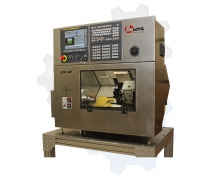 Item Number:LTC-30The LTC-30 is a robust system designed for the industrial production of small parts. You will not find another lathe at this size that will give you the same rigidity and precision while cutting a wide variety of materials.
 -
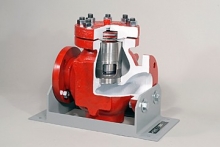 Item Number:295-717DAC Worldwide’s Lift Check Valve Cutaway, Oilfield-Type (295-717) depicts a sectioned industrial lift-type check valve.
 -
 Item Number:LIFT100The OnRobot Lift100 is a long-stroke, high-payload elevator with minimal deflection that ensures precise positioning of boxes, even at high speeds. Its integrated safety features, with TÜV-certified stop functionality, facilitate collaborative deployment. Out-of-the-box integration with the OnRobot palletizing solution shortens deployment time and offers future-proof flexibility.
 -
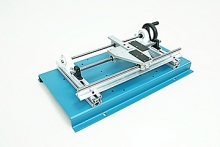 Item Number:221-000DAC Worldwide’s Linear Drives Training System (221-000) is a benchtop device that facilitates training in the design, function, installation, and alignment of common linear drive components. Fabricated from steel and aluminum, the training aid combines a variety of common industrial components and installation scenarios in one assembly.
 -
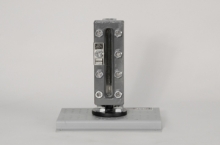 Item Number:272-475DAC Worldwide's Dissectible Liquid Level Gauge Sample (272-475) allows for close visual inspection of a common armored, flat-glass liquid level gauge to better understand its function, design characteristics, operation, and routine maintenance.
 -
 Item Number:LWS-ALLJ Create's Living with STEM provides hands-on digital courses teaching standards-based Elementary STEM curriculum, and is supplemented with a range of support materials for English and Math.