

DAC Worldwide’s training systems are designed to provide a realistic, hands-on learning experience in a variety of industrial sectors. Each system has the look and feel of real equipment learners might encounter on the job. Built with full-size, industrial-quality components, as well as high-durability, powder-coated surfaces throughout, DAC Worldwide's training systems allow for repeated use and rough handling.
Amatrol's Mechanical Fabrication Learning System (950-MPF1) covers industry-relevant mechanical fabrication skills from basic to more sophisticated power tools, including skills ranging from using c-clamps, vises, and pliers, to more advanced torque tools, torque wrenches, and power tools. Students learn about the many types of bolts, wrenches and other fittings commonly used in industry and how to properly apply them. This includes pneumatic fabrication fittings. Testing fittings with air and a liquid soap solution determines if a pressure type seal has been made. This technique is often used in industry because there is too much noise on the plant floor to hear a leak and determine its precise location.
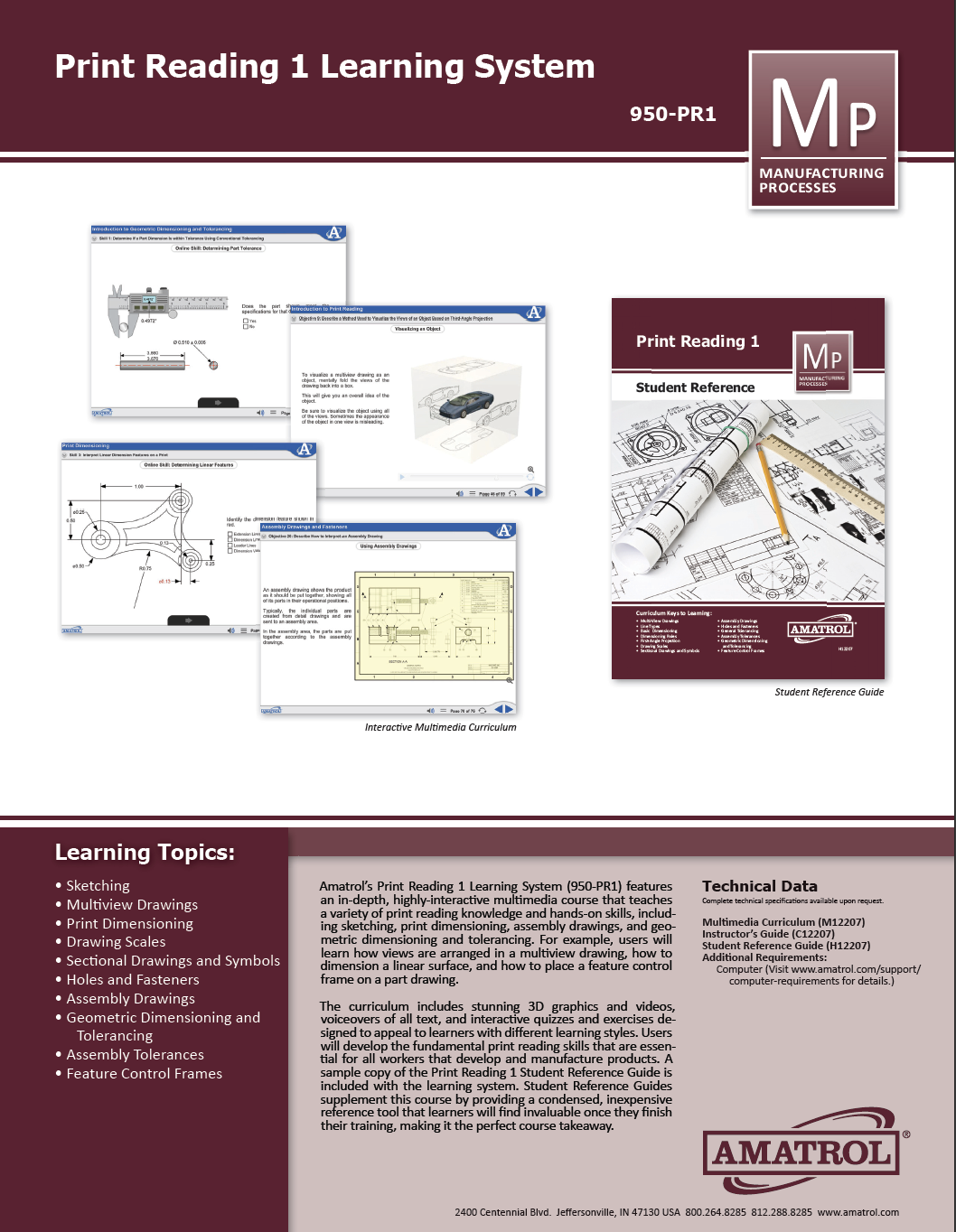
Print Reading is a foundational skill use throughout many industries. Amatrol’s Print Reading eLearning Courseware (M12207) covers topics like print dimensioning, assembly drawings and fasteners, and geometric dimensioning & tolerancing (GD&T). Learners using Amatrol’s print reading training course will study sketching, multiview drawings, dimensioning rules, first-angle projection, holes and fasteners, assembly drawings, assembly tolerances, and feature control frames. From this building block, learners can practice industry-relevant skills like selecting the appropriate number of views for an object, interpreting information blocks on a print, and calculating the limits of a dimension given its tolerance.
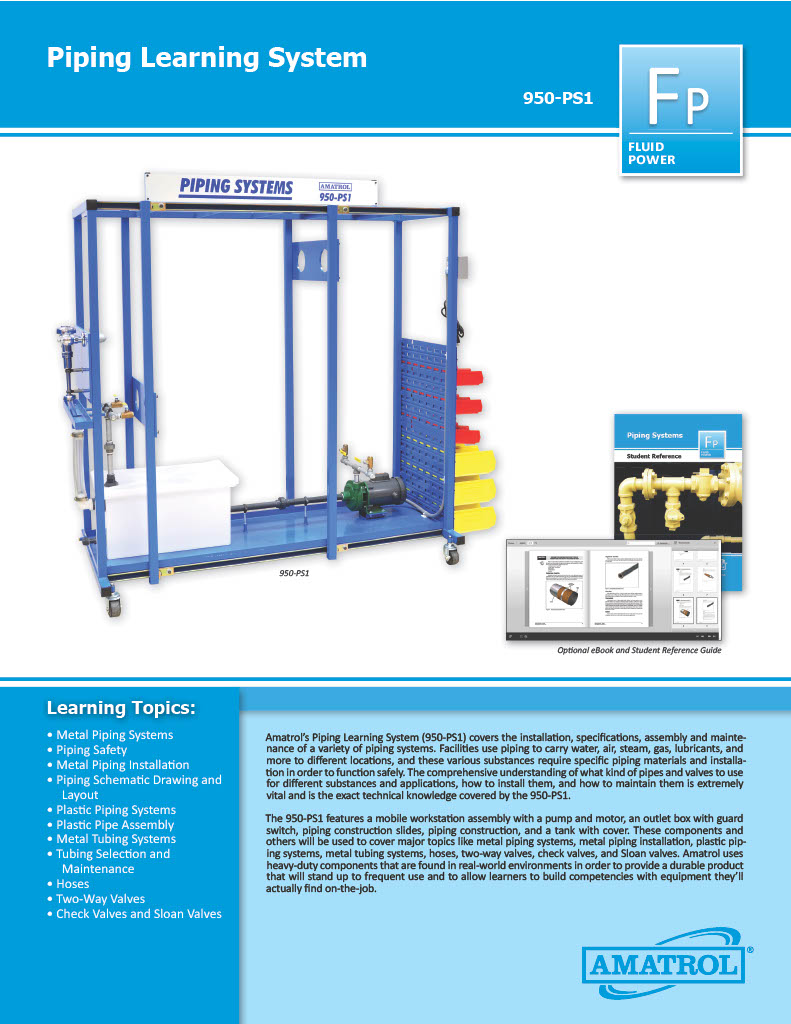
Amatrol's Piping Learning System (950-PS1) teaches learners how to lay out and assemble a fluid piping system used in industrial, construction, agricultural, and transportation applications. Students will learn how to select, size, identify, and install a variety of types of industrial fluid piping, fittings and valves including: iron pipe, steel tubing, hydraulic hose, plastic pipe, copper tubing, globe valves, gate valves, check valves, and Sloan valves.
The fluid piping trainer includes a mobile workstation, pump testing network, valve package, fitting package, fitting identification kits, Sloan valve maintenance kit, pipe insulation and hanger components, fitting storage, student learning materials for both theory and lab, and teacher’s guide. The workstation has slotted, movable members to enable a variety of hydraulic hose fluid piping application scenarios to be set up.
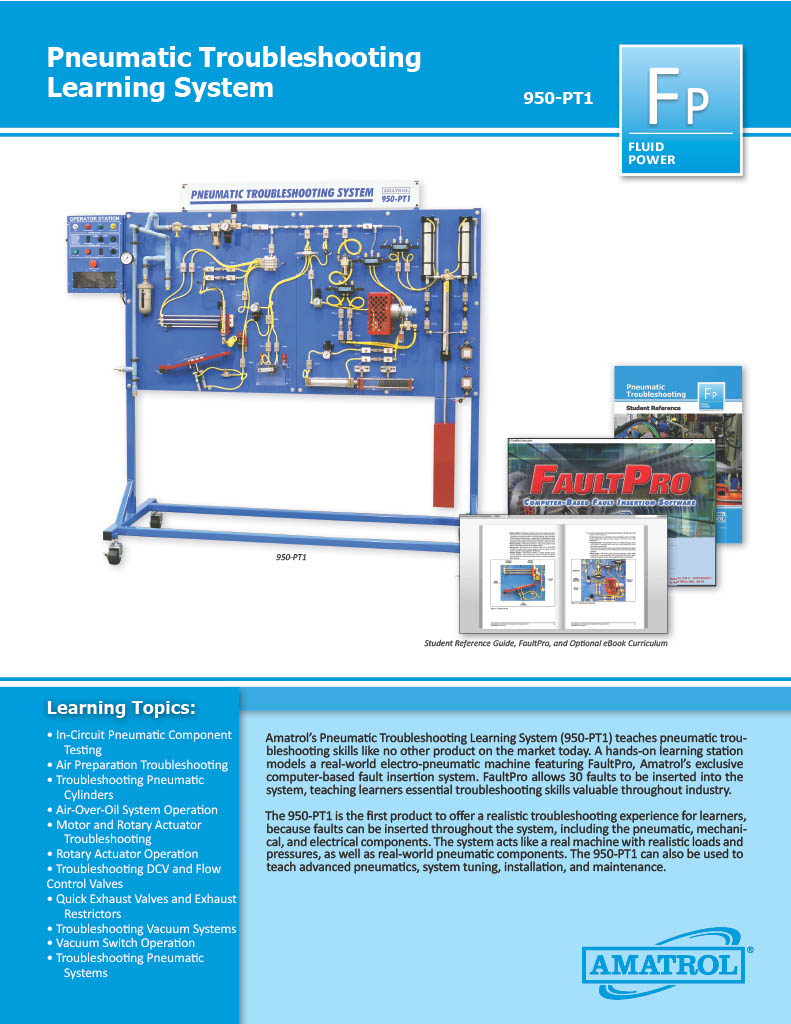
Amatrol’s Pneumatic Troubleshooting Learning System (950-PT1) teaches pneumatic troubleshooting skills like no other product on the market today. A hands-on learning station models a real-world electro-pneumatic machine featuring FaultPro, Amatrol’s exclusive computer-based fault insertion system. FaultPro allows 30 faults to be inserted into the system, teaching learners essential troubleshooting skills valuable throughout industry.
The pneumatic troubleshooting training system is the first product to offer a realistic troubleshooting experience for learners, because faults can be inserted throughout the system, including the pneumatic, mechanical, and electrical components. The system acts like a real machine with realistic loads and pressures, as well as real-world pneumatic components. The system can also be used to teach advanced pneumatics, system tuning, installation, and maintenance.
The Rigging Concepts 1 Training System (950-RGB1) teaches how to safely move loads of different shapes and sizes using a variety of methods. Major topics covered by this learning system include hoists, slings, lifts, wire ropes, and chain slings. Rigging skills are required in many industries including manufacturing, construction, and transportation, so give your students a head start by teaching them these rigging concepts and applications.
The Rigging Concept training course includes a 1-ton rated gantry crane with casters and component storage, hoists, slings, loads and load fittings to enable learners to replicate various on-the-job load movement applications. Hands-on, applied skills include installing an eyebolt for lifting, calculating crush force, assembling and lifting a load using a two-leg wire rope bridle sling with shackles, and many more! This learning system also includes student learning materials for theory and lab, an instructor’s guide, a student reference guide, and an optional eBook format for online learning. The 950-RGB1 can be used as solid foundation toward industrial certifications and industry standard safety practices are followed throughout.
Solar energy is being used in a broad range of applications across industry and residences alike. From heating water for home use to creating utility scale electricity – solar energy application is growing, as is the need for solar concepts training. Understanding the basics of how we can harness solar energy is essential for technicians, engineers, installers, designers, builders, and others who want to apply solar technology either professionally or personally.
Amatrol’s Solar Concepts Learning System (950-SC1) introduces learners to a broad range of basic concepts in solar energy and technology. Photovoltaic and thermal solar systems are introduced to students. They learn how to translate location, sun, and technology into practical applications. The Solar Concepts training acts as a foundation for students in solar technology. Solar Concepts includes student curriculum in a highly-interactive, multimedia format.
Amatrol’s Steam System Training System (950-SH1) introduces learners to the operation, installation, maintenance, and repair of steam systems and their application in paper mills, commercial and residential settings, power companies, and even nuclear submarines. Amatrol’s exceptionally thorough curriculum covers a comprehensive range of steam system topics, including both practical applications such as how to operate a boiler and theoretical knowledge like the coefficient of volume and thermal expansion.
The 950-SH1 includes an electric boiler, blowdown separator, condensate feedwater system, heat exchanger, strainer, and steam trap. This learning system also comes with a welded steel mobile workstation (32-in W x 82-in H x 92- in L) with 4” square welded steel tubing and heavy duty casters. Amatrol supplies these industrial-grade, top-flight components in order to give the learner an opportunity to work with real-world mechanisms and gain experience they would normally only acquire on the job.
Amatrol’s Solar PV Installation Learning System consists of a mobile workstation with real solar PV components, including a PV array, micro-inverter, combiner box, communications gateway, charge controller, and remote meter. To make installation training more efficient, tools and consumables, such as a clamp meter, digital meter, wire, and conduit, are stored conveniently on the workstation.
Amatrol’s Solar PV Troubleshooting Learning System features a wide variety of industry-standard solar PV equipment to teach relevant hands-on skills. For example, the 950-SPT1 includes a mobile workstation with a combiner box, MPPT charge controller, micro inverter, grid interactive inverter, programmer, and communications gateway and hub.
For a complete solar PV troubleshooting training experience, the required Solar PV Array Station (95-SPA1) adds multiple solar panels to enable students and workers to duplicate realistic situations with both series and parallel connections. The mobile array station allows instructors to take advantage of sunny days without having to move the entire trainer. It is also equipped with a sun simulator to enable indoor use.
The growing interest in alternative energy and renewable resources has created a shortage of qualified solar thermal technicians throughout the green energy sector. So what are some of the essential skills that solar thermal technicians need to succeed?
Solar thermal technicians need basic knowledge and hands-on skills in a variety of foundational technologies, such as electrical, electronics, and fluid power, as well as advanced abilities related directly to the latest solar thermal technologies. Amatrol’s Solar Thermal Troubleshooting – Closed-Loop Learning System (950-STCL1) teaches a range of solar thermal troubleshooting skills for closed-loop systems through a unique combination of eLearning curriculum and hands-on experience with real industrial solar thermal components.
Pages
-
-
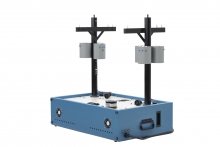 Item Number:491-000DAC Worlwide’s Transformer Connections Training System (491-000) replicates the conditions and circumstances that a utility worker encounters when making common transformer connections in the field.
 -
 Item Number:408-000
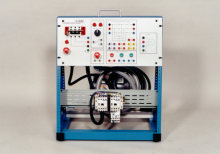
DAC Worldwide’s Transformer Wiring Training System (408-000) is a realistic training device that replicates the conditions and circumstances that an electrical worker encounters when making common power transformer connections in the field and industry. This self-contained, tabletop training system provides a safe, inexpensive, yet realistic alternative to paper-based learning without the danger of full-voltage field experience.
-
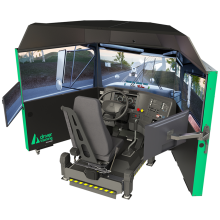 The Acron Aviation TranSim™ truck driving simulator delivers immersive, risk-free training for commercial drivers. Explore over 125+ training scenarios, realistic vehicle dynamics, and performance feedback with Replay Studio™.
 -
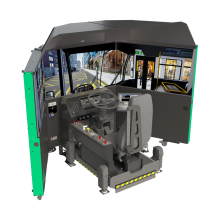 The Acron Aviation TransitSim™ Bus Simulator delivers realistic training for transit operators, reinforcing core bus-driving skills in a risk-free environment with immersive visuals and Replay Studio™ review tools.
 -
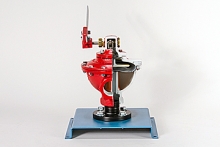 Item Number:295-723DAC Worldwide's Treater Dump Valve Cutaway (295-723) is a sectioned industrial specialty oilfield valve for training in the operation, construction, and maintenance of on-off type dump valves.
 -
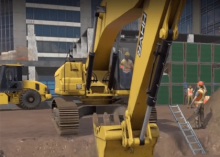 The primary goal of this course is to teach workers safe procedures for working in and around a trench environment on a construction site. Hard Hat VR's Trenching and Excavation Simulation is ideal for future employees or supervisors who will work in or around trenches on construction sites.
 -
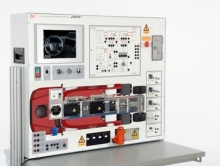 Item Number:CO3221-7DTo prepare students for electrification of the powertrain in commercial vehicles, the renowned HV training system for passenger cars from Lucas-Nülle has been modified and adapted. The special learning concept of the training system, which combines theoretical and practical content in a target group-oriented manner, enables flexible on-site implementation that is taking regional, operational, and industry-specific features into account.
 -
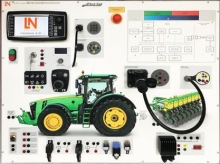 Item Number:CO3221-7FThis training system from the TruckTrain series focuses on the topic of "Smart Farming 4.0" based on the ISO bus. Special attention is paid to the function of "Precision Farming with Section Control", which is implemented in the hardware in a practical and interactive way.
 -
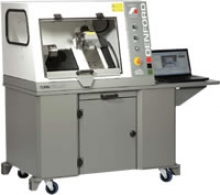 A compact 2-axis CNC Lathe with totally enclosed high-visibility interlocking guard, suitable for all levels of education and training. Programmable spindle speeds and feedrates make the Turn 270 PRO ideal for cutting a range of resistant materials such as wax, plastic, acrylic, free cutting alloys, aluminum and steel.