

The MINDS-i Foundations Curriculum as an introduction to STEM and Robotics designed as an interactive approach to applied science, technology, engineering, and math. In this course, students will become familiar with the basics of robotics and programming through teamwork
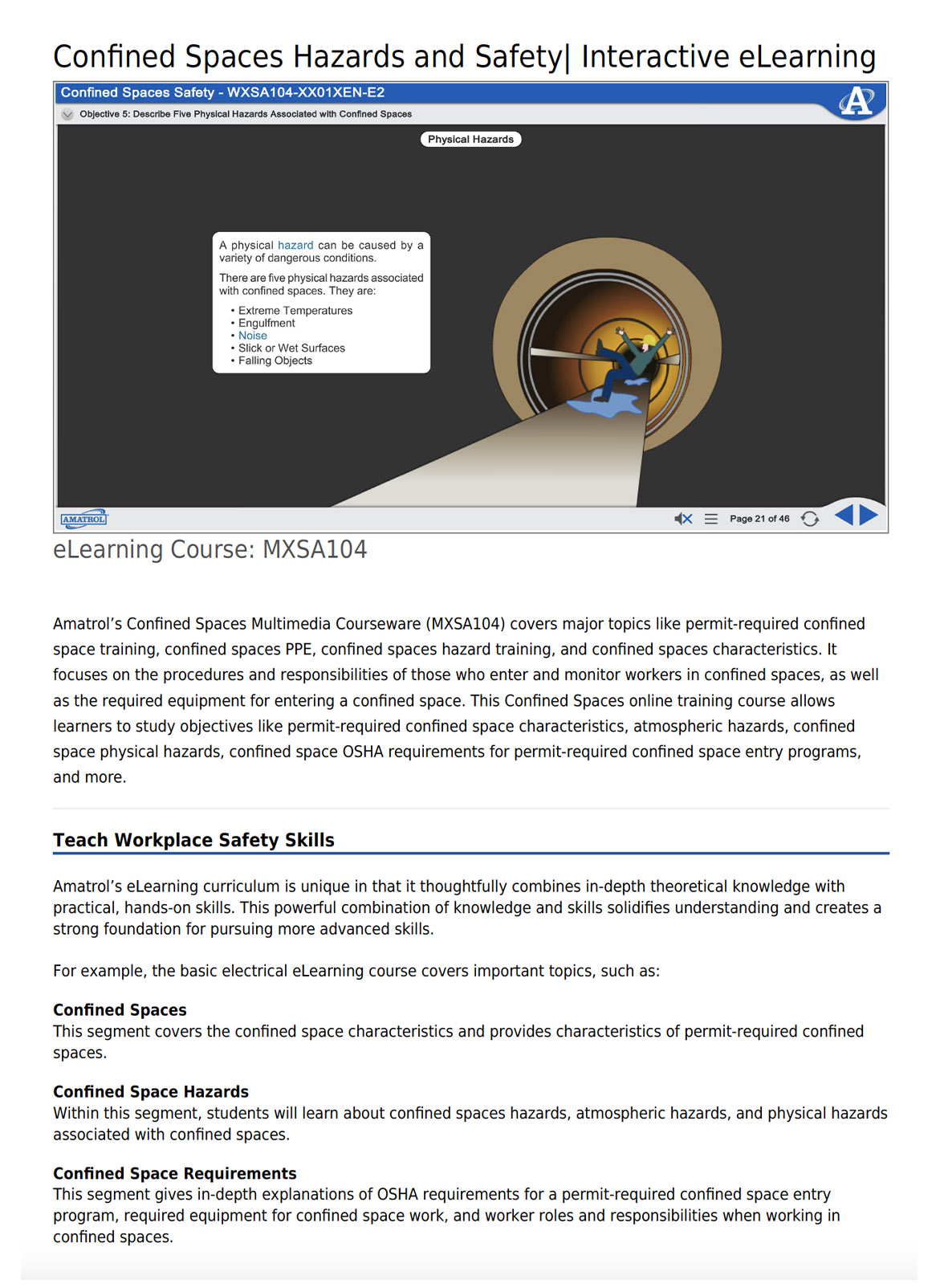
Amatrol’s Confined Spaces Multimedia Courseware (MXSA104) delves into critical subjects including permit-required confined space training, confined spaces PPE, hazard training, and their characteristics. It emphasizes the protocols and obligations for individuals entering and overseeing workers in such spaces, along with the necessary equipment. This online training equips learners to explore permit-required confined space characteristics, atmospheric and physical hazards, and OSHA requirements.
Key Learning Areas:
- Understanding Confined Space Characteristics
- Permit-Required Confined Spaces
- Identifying Confined Spaces Hazards
- Analyzing Confined Space Atmospheric and Physical Hazards
- Comprehending OSHA Requirements for Permit-Required Confined Space Entry Programs
- Proper Employment of Confined Spaces PPE
- Roles and Responsibilities of Confined Space Workers
Interactive Multimedia Experience
Immersive Learning for Practical Workplace Safety Skills | Comprehensive eLearning Curriculum
Amatrol’s eLearning curriculum uniquely amalgamates deep theoretical knowledge with hands-on practical skills, ensuring a robust foundation for advanced learning.Understanding Confined Spaces
Exploration of confined space characteristics and specifics of permit-required confined spaces.
Confined Space Hazards
Detailed insights into confined spaces hazards, encompassing atmospheric and physical dangers associated with such spaces.
Meeting Confined Space Requirements
In-depth understanding of OSHA stipulations for permit-required confined space entry programs, essential equipment for confined space work, and worker responsibilities while operating in such environments.
Comprehensive eLearning Curriculum
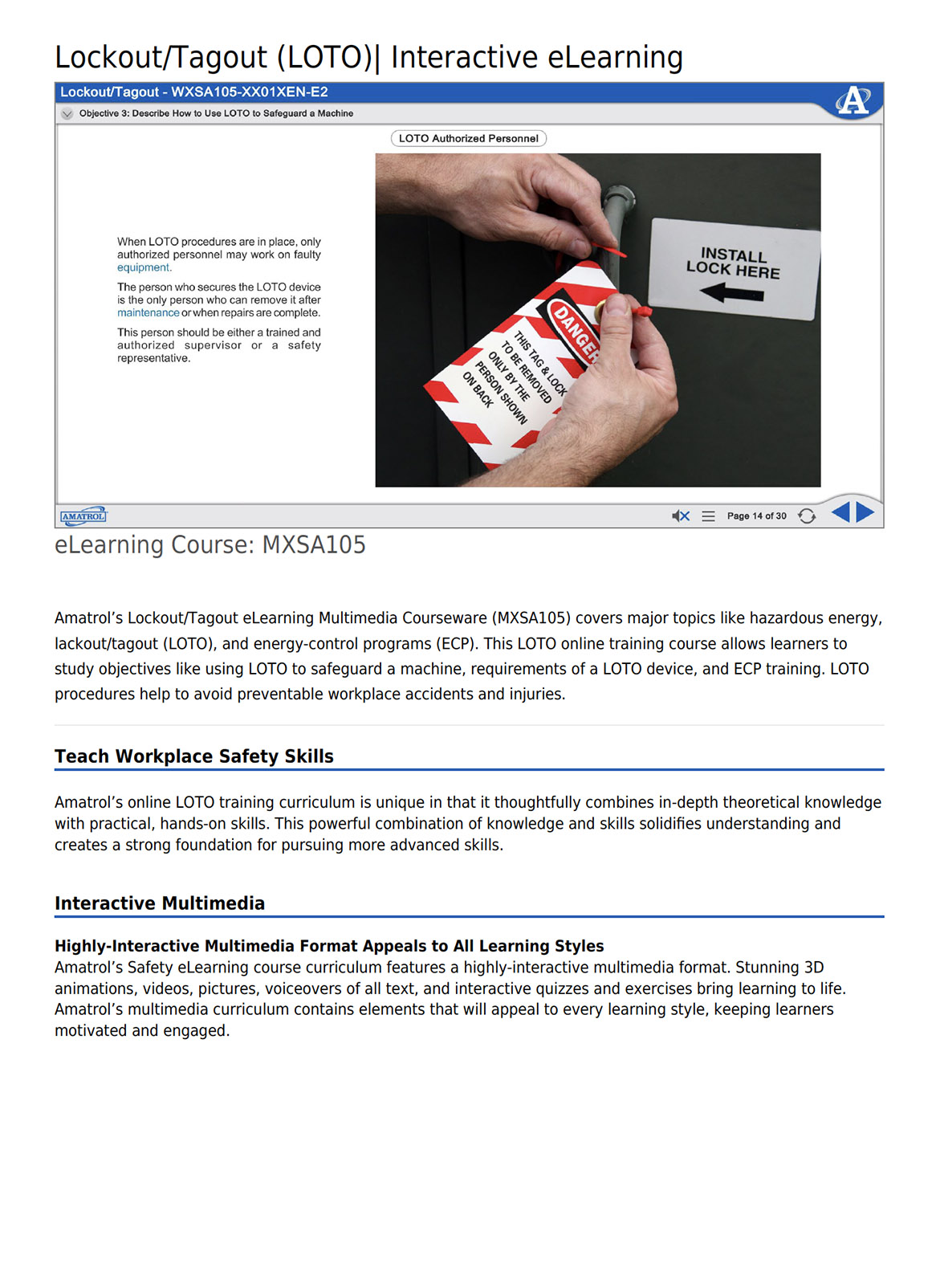
Amatrol’s Lockout/Tagout eLearning Multimedia Course (MXSA105) delves into crucial aspects such as hazardous energy, lockout/tagout (LOTO), and energy-control programs (ECP). This online training equips learners with the skills to utilize LOTO for machine safeguarding, comprehend LOTO device prerequisites, and undergo ECP training, crucial for preventing avoidable workplace accidents and injuries.
Key Learning Areas:
- Understanding Hazardous Energy
- Recognizing Hazards Associated with Energy
- Importance of Lockout/Tagout (LOTO)
- Implementing LOTO for Machine Safety
- Requirements for LOTO Devices
- Energy-Control Program (ECP)
Interactive Multimedia Experience
Integrating Essential Theoretical and Practical Workplace Safety Training
Amatrol’s online LOTO training curriculum uniquely combines profound theoretical knowledge with practical skills, establishing a robust foundation for mastering advanced safety procedures.
Comprehensive eLearning Curriculum
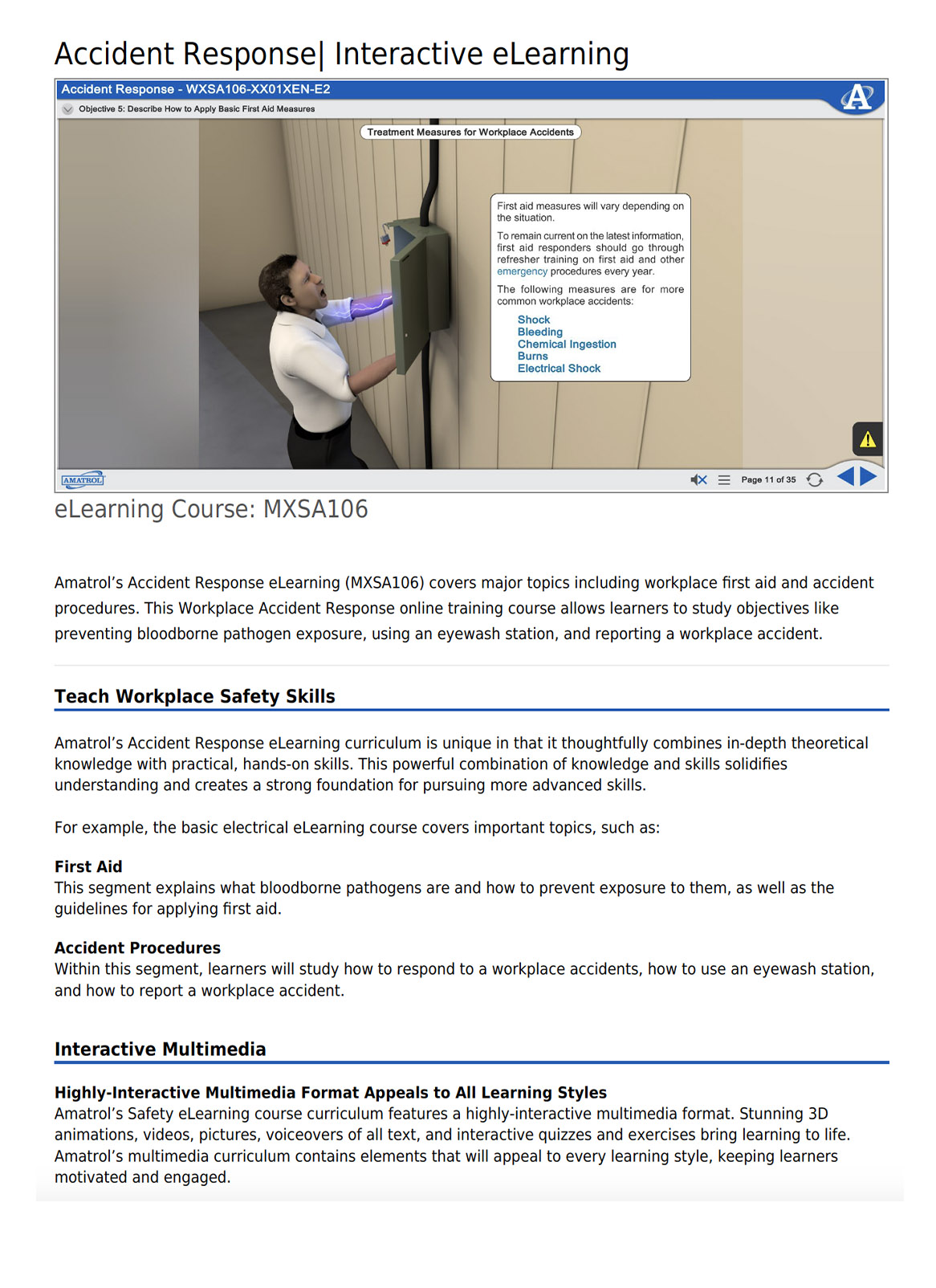
Amatrol’s Accident Response eLearning provides comprehensive training on workplace first aid and accident protocols. This online curriculum enables learners to understand and prevent bloodborne pathogen exposure, use eyewash stations effectively, and effectively report workplace accidents.
Key Learning Areas:
- First Aid Guidelines and Applications
- Basic First Aid Measures
- Understanding Bloodborne Pathogens and Preventing Exposure
- Accident Procedures and Workplace Response
- Effective Eyewash Station Usage
- Workplace Accident Reporting
Interactive Multimedia Experience
Integrating Essential Theoretical and Practical Workplace Safety Training
Amatrol’s Accident Response eLearning curriculum uniquely merges comprehensive theoretical knowledge with hands-on practical skills, establishing a sturdy foundation for mastering essential safety procedures.
Comprehensive eLearning Curriculum
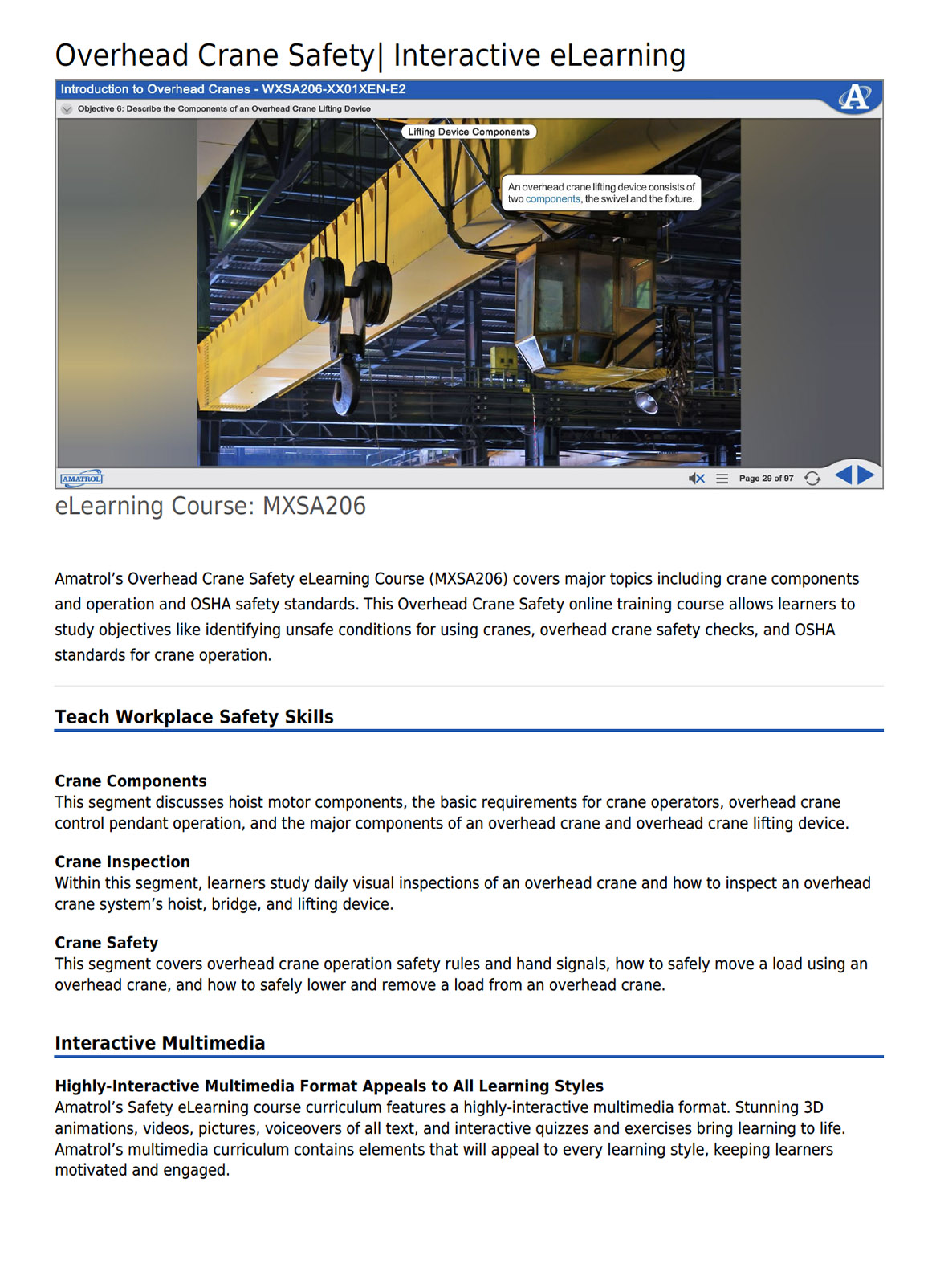
Amatrol’s Overhead Crane Safety eLearning Course comprehensively covers crane components, operations, and OSHA safety standards. This online training equips learners to identify unsafe conditions for crane usage, perform safety checks, and adhere to OSHA guidelines for operation.
Key Learning Areas:
- Assessing Fitness for Crane Operation
- Recognizing Unsafe Crane Utilization Conditions
- Understanding Overhead Crane Components and Operations
- Conducting Overhead Crane Safety Checks
- Adhering to OSHA Standards for Crane Operations
Interactive Multimedia Experience
Blending Crucial Theoretical and Practical Workplace Safety Training
Exploring Crane Components
This segment delves into hoist motor components, operator requirements, overhead crane control pendant operation, and major crane and lifting device components.
Inspection Procedures
Learners examine daily visual checks for overhead cranes and how to inspect hoists, bridges, and lifting devices within crane systems.
Ensuring Crane Safety
Covering safety regulations, hand signals, safe load movement, and proper load removal from overhead cranes, this section emphasizes safe overhead crane operation techniques.
VRNA presents an accessible and user-friendly virtual reality skills lab for patient care. Within a compact, all-in-one VR headset, trainees immerse themselves in a simulated environment to practice essential nursing tasks such as conducting bed baths, positioning residents, and accurately recording vital signs.
This immersive training tool offers a realistic, risk-free setting where students can actively develop their skills, enhancing their competence and readiness for real-world caregiving scenarios. By providing an interactive and lifelike experience, VRNA serves as an invaluable platform for aspiring CNAs to gain hands-on practice and boost their confidence in delivering quality care.
VRNA redefines healthcare education through its immersive virtual reality (VR) platform, optimizing the teaching of patient care skills while minimizing costs. By supplementing traditional lab instruction, VRNA lightens the burden on instructors while engaging students in practical learning experiences. This compact, all-in-one VR headset enables trainees to independently practice essential job skills, receiving personalized feedback and assessments in real-time. Offering a safe, realistic environment, VRNA accelerates skill development, enhances competency, and prepares students for real-world patient care scenarios, revolutionizing the way healthcare skills are taught and learned.
VRNA’s immersive virtual reality experiences are a more effective and cost-efficient way to teach Emergency Medical Response skills.
VRNA EMS by VRSim, Inc. revolutionizes Emergency Medical Responder (EMR) training by offering a cost-effective and accessible solution for immersive, hands-on skill development. Unlike traditional, limited-use mannequins, VRNA EMS provides access to 10 scenario-based simulations covering essential testable skills required for state and national certification. This VR experience empowers students to learn and practice emergency care in a low-risk environment, fostering skill acquisition whether in class, at home, or as a supplementary tool alongside lab and field training.
With scenarios including Cardiac Arrest, Home Birth, Drug Overdose Response, Spinal Immobilization, Vehicle Extrication, Joint Immobilization, Bleeding Control, Shock Response, and more, VRNA EMS offers an innovative approach to enhance EMR education and certification.
Skills Coverage
- CPR / AED
- Assist with Non-Complicated Childbirth
- Apneic Response from Drug Overdose
- Bleeding Control
- Long-Bone Immobilization
- Joint Immobilization
- Patient Assessment
- Shock Management
- Spinal Immobilization of Seated Patient
- Spinal Immobilization of Supine Patient
- Vehicle Extrication
Increase the effectiveness and lower the cost of teaching CNA lab skills using a fully immersive VR experience.
VRNA redefines learning patient care by offering students a secure environment for practice, whether at school, home, or as an addition to lab training, reducing the need for extensive equipment and costly lab preparations. Specifically tailored for Certified Nurse Assistants (CNAs), VRNA's immersive VR training features eight scenarios aligned with testable competencies in CNA certification exams nationwide.
This compact, all-in-one VR headset delivers a simulated environment enabling students to hone real-world patient care skills effectively, significantly enhancing the efficiency and reducing the expenses associated with CNA lab skill instruction.
Skill Coverage
Ambulation Assist (Cane)
Ambulation Assist (Crutches)
Ambulation Assist (Walker)
Assist with Anti-Embolism Stockings
Bed Bath
Bedpan Assist
Blood Pressure
Catheter Care
Collect Urine Sample
Denture Care
Dressing
Hand Hygiene & Gloving
Ambulation Assist (Crutches)
Ambulation Assist (Walker)
Assist with Anti-Embolism Stockings
Bed Bath
Bedpan Assist
Blood Pressure
Catheter Care
Collect Urine Sample
Denture Care
Dressing
Hand Hygiene & Gloving
Height and Weight
Indirect Care
Making an Occupied Bed
Making an Unoccupied Bed
Massage Back
Meal Assist
Measure Intake and Output
Mouth Care Conscious
Mouth Care Unconscious
Nail Care
Obstructed Airway
Passive Range of Motion
Indirect Care
Making an Occupied Bed
Making an Unoccupied Bed
Massage Back
Meal Assist
Measure Intake and Output
Mouth Care Conscious
Mouth Care Unconscious
Nail Care
Obstructed Airway
Passive Range of Motion
Perineal Care
Positioning Side
Positioning Supine
Pulse and Respiration
Shaving
Shower Assist
Temperature (Axillary)
Temperature (Oral)
Temperature (Tympanic)
Transfer Assist
Urinal Assist
Positioning Side
Positioning Supine
Pulse and Respiration
Shaving
Shower Assist
Temperature (Axillary)
Temperature (Oral)
Temperature (Tympanic)
Transfer Assist
Urinal Assist
Tired of outdated training methods that don't meet your industry's demands? Meet Hard Hat VR, the revolutionary solution offering immersive and interactive training experiences. Say farewell to old-fashioned techniques and embrace the safety and efficiency of Virtual Reality!
Why Opt for Hard Hat VR?
- Realistic Scenarios: Practice in true-to-life environments minus the risks.
- Interactive Learning: Engage in hands-on training that truly sticks.
- Cost-Effectiveness: Cut down on training costs and downtime.
- Safety Comes First: Prepare for real-world dangers within a controlled setup.
Who Stands to Benefit?
This training solution is appropriate for industrial corporations, safety training professionals, and technical education institutes. This groundbreaking solution revolutionizes training approaches, enabling industrial giants to enhance their workforce's skills in a risk-free environment. Safety training professionals find a valuable ally in crafting immersive, hands-on experiences that instill safety protocols effectively. Meanwhile, technical education institutes harness the power of Hard Hat VR to equip students with practical, real-world insights, bridging the gap between theoretical learning and practical application.
Maximize Your ROI
Maximize your return on investment (ROI) with Hard Hat VR, experiencing a trifecta of advantages that transcend traditional training methods. Benefit from heightened training efficiency that ensures a more adept and skilled workforce. Elevate employee safety through immersive learning experiences, preparing them for real-world scenarios in a risk-free setting. Witness a boost in retention rates as knowledge retention is enhanced, paving the way for a more knowledgeable and competent team. Hard Hat VR not only revolutionizes training but also amplifies your overall organizational success through these invaluable advantages.
Reduced emissions and decreased fuel usage serve as guiding principles for the forthcoming generation of contemporary vehicles. Hybrid automobiles and electric cars aren't just future concepts—they're already on the roads. However, to effectively diagnose these vehicles, a comprehensive understanding of the necessary systems remains the sole logical strategy.
Lucas-Nülle's CarTrain “Hybrid and Electric Vehicle Trainer (ASE L3)” is an advanced educational system meticulously designed to delve into the intricate workings of hybrid and electric vehicles. This trainer provides an immersive hands-on experience, allowing learners to explore the complexities of these modern automotive technologies. With a comprehensive array of modules covering hybrid drive systems, electric propulsion, battery management, and vehicle control, this innovative training solution offers a deep understanding of the principles and practicalities behind hybrid and electric vehicles.
Thsi training system caters to automotive professionals aiming to achieve ASE L3 certification and equips them with the expertise needed to diagnose, service, and maintain these cutting-edge vehicles effectively. The CarTrain not only prepares technicians for the challenges of today's automotive landscape but also fosters a thorough comprehension of sustainable and future-focused transportation technologies.
Pages
-
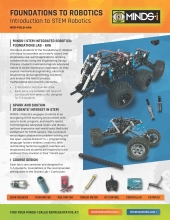 Item Number:MCK-FDLB-6X6
 -
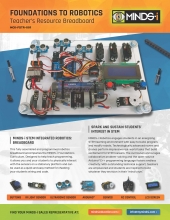 Item Number:MCK-FDTR-001This fully assembled and programmed robotics breadboard accompanies the MINDS-i Foundations Curriculum. Designed to help teach programming, it allows you and your students to physically interact with the sensors on a stationary platform and can be used as a quick and easy method for checking your students' wiring and code.
 -
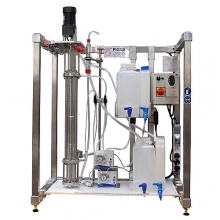 Item Number:ELA/100The unit is used manually, with flows controlled by manual valves and flowmeters. The unit has a stirred glass column, which enhances the visual experience of the extraction process. Students will learn how to determine the interphase level, material balance, efficiency of the column, and more.
 -
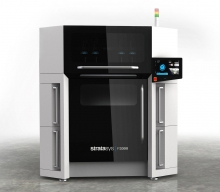 Elevate Your 3D Printing Game with Stratasys' F3300 FDM 3D Printer: Experience Cost Savings, Increased Throughput, Superior Quality, and User-Friendly Operation – Unleash Innovation Today!
 -
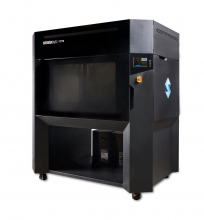 Item Number:F770Print big without the high capital investment of exclusive, large-format printers. The Stratasys F770™ 3D printer makes printing large, complex parts affordable, reliable, and easy.
 -
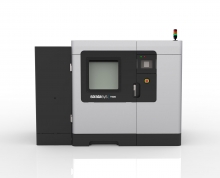 Item Number:F900The F900 gives you the ability to create large parts or multiple smaller parts in the broadest array of FDM materials. With the largest build chamber available among FDM printers, the F900 enables additive manufacturing at scale while delivering consistent, accurate results.
 -
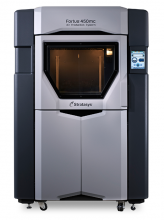 Item Number:450mc and 380mcThe Fortus 450mc can run standard, engineering, and high-performance FDM thermoplastics in a 16 x 14 x 16 in. build envelope. It features improved ease of use, including a touchscreen user interface, and builds complex parts faster than its predecessor, the 400mc.
 -
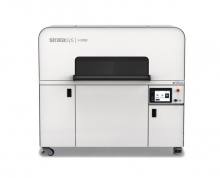 Meet high production demands with the Stratasys H350 powder bed fusion 3D printer. Leveraging Selective Absorption Fusion, SAF technology, into the H-Series production platform, the Stratasys H350 is designed to deliver functional, production-grade parts with unrivaled consistency.
 -
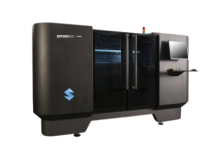 Item Number:J4100Whatever the complexity, the J4100 can handle any design. An ultra-large build tray, multi-material capabilities, fast throughput, and a wide range of material properties mean unlimited design possibilities and improved productivity.
 -
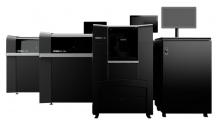 Item Number:J850 Pro / J850 Prime / J826 PrimeFrom ideation to creation, the J8 Series delivers a fully-functioning, multi-material, Pantone™ validated prototype 200% faster than traditional methods.